Your cart is currently empty!.
You may check out all the available products and buy some in the shop.
Continue Shopping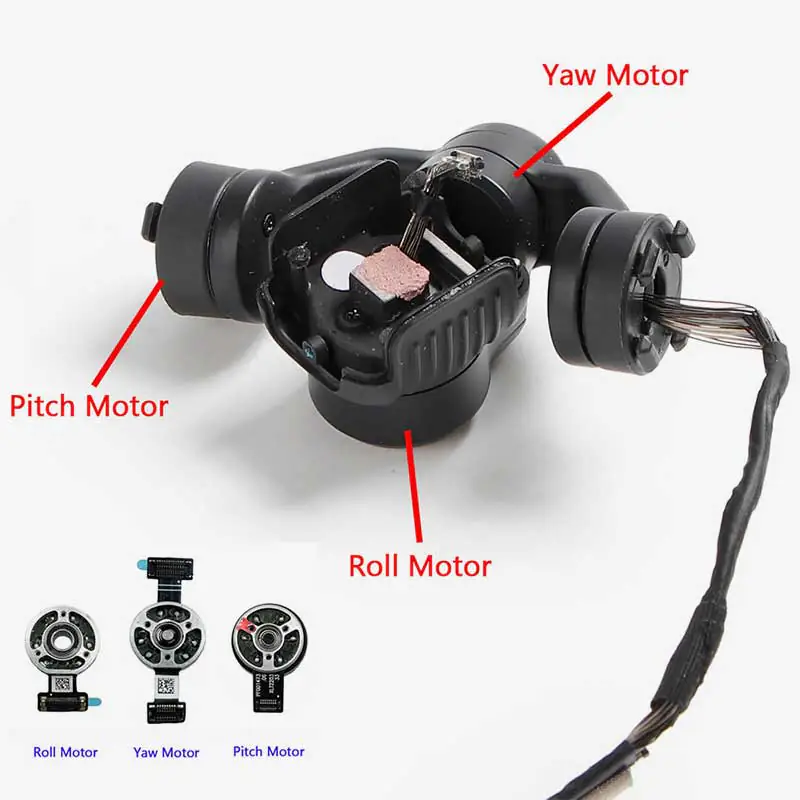
In stock
Original price was: ₹15,999.00.₹9,499.00Current price is: ₹9,499.00.



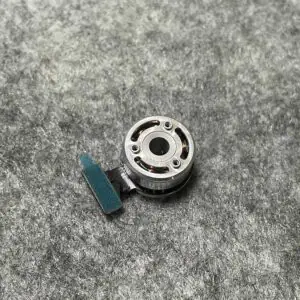
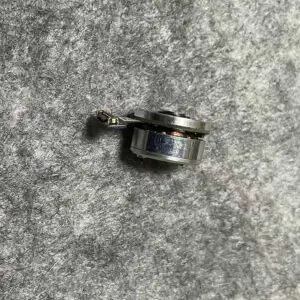
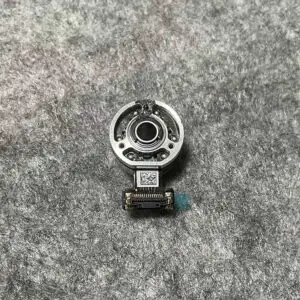
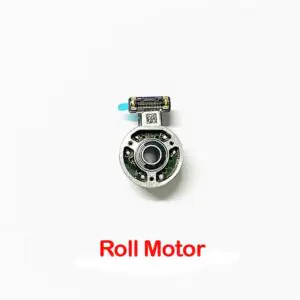
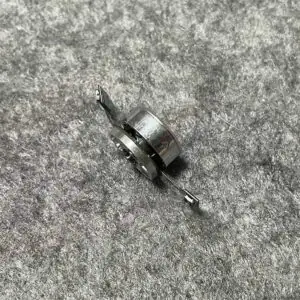
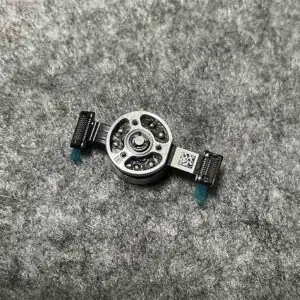
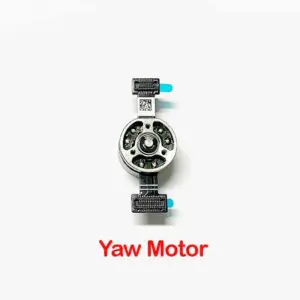
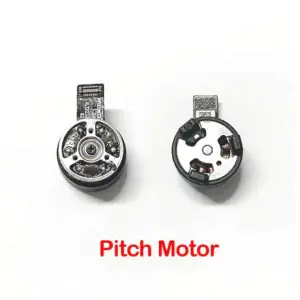
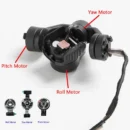
The Gimbal Y/R/P Axis Motor for DJI Mini 3 and Mini 4 Pro is the silent workhorse behind every buttery-smooth drone video you love. Standing for Yaw, Roll, and Pitch, these three tiny motors work together like an elite camera crew—keeping your footage stable, steady, and cinema-ready even when your drone is flying like it’s on a rollercoaster. Whether you’re fixing a wobbly camera or replacing a damaged motor after a rough landing, this part is the ultimate fix to bring back the precision your drone deserves.
This replacement part includes the full gimbal motor set—Yaw (left-right), Roll (side tilt), and Pitch (up-down). Together, they control how your camera orients itself in 3D space, stabilizing every tiny movement so your footage doesn’t look like it was filmed in a hurricane.
These motors are precisely engineered for the gimbal system in DJI Mini 3 and Mini 4 Pro drones, matching the size, voltage, and connector specifications exactly. No trimming, soldering, or ‘jugaad’ required—just a perfect fit that brings your drone back to factory-level performance.
If your drone starts recording shaky footage, refusing to level the camera, or displaying “gimbal calibration failed” errors, it’s probably one of these tiny motors acting up. Replacing the faulty axis motor restores full stabilization and smooth camera tracking instantly.
Made with ultra-light materials and high-speed rotation cores, these motors are designed to work silently and efficiently without overloading the gimbal structure. Their fine balance ensures zero vibration and precise orientation control for smooth flight recordings every time.
Cracked gimbal after a rough landing? Gimbal won’t respond even after firmware updates? These motors are essential parts for restoring gimbal performance, especially if you’re repairing the system yourself or replacing damaged internal parts on a budget.
Power Off Drone and Disconnect Battery Completely
Remove Gimbal Assembly from Drone Carefully
Identify the Damaged Motor – Yaw, Roll, or Pitch
Replace the Faulty Motor with This Original Unit
Reassemble, Calibrate, and Test in DJI Fly App
Use a Soft Brush to Dust Around Motor Areas
Avoid Water or Liquid Cleaners—Use Dry Methods Only
Keep Motor Shafts Free of Hair or Threads
Wipe Connector Pins Gently with a Lint-Free Cloth
Inspect Cable Loops Around Motors for Dust Accumulation
Avoid Forcing the Gimbal by Hand During Transport
Always Use a Gimbal Protector While Not Flying
Update Firmware to Ensure Smooth Motor Calibration
Don’t Push Beyond Gimbal Angle Limits While Flying
Perform Regular Gimbal Calibration After Long Storage
Do’s:
Match motor type (Y, R, or P) with correct mounting slot
Handle with anti-static tools and clean fingers
Use original DJI screws and connectors for secure installation
Don’ts:
Don’t apply voltage directly to test the motor
Don’t reuse damaged or overheated motors
Don’t operate without checking axis balance after installation
Handle the Tiny Wires with Care – They’re Delicate
Use Anti-Static Gloves or Wristbands During Installation
Don’t Power On Drone Without Securing Gimbal First
Keep Away from Magnets or Magnetic Tools
Test Gimbal Rotation Smoothly Before First Flight
The Gimbal Y/R/P Axis Motor for DJI Mini 3 / Mini 4 Pro is a must-have part when your drone starts throwing gimbal tantrums. Whether you’re fixing one motor or rebuilding the whole stabilizer system, these tiny champions bring your camera back to buttery-smooth glory.
Order now and give your drone back its cinematic moves—because nobody wants shaky footage unless you’re filming an earthquake.









Out of stock
Out of stock
Out of stock
Out of stock
You must be logged in to post a review.